Explanation
How It Works
Nötkey gives you two fully separate environments on a single Android device. Here's what that means, how it works, and what it requires.
What Nötkey does
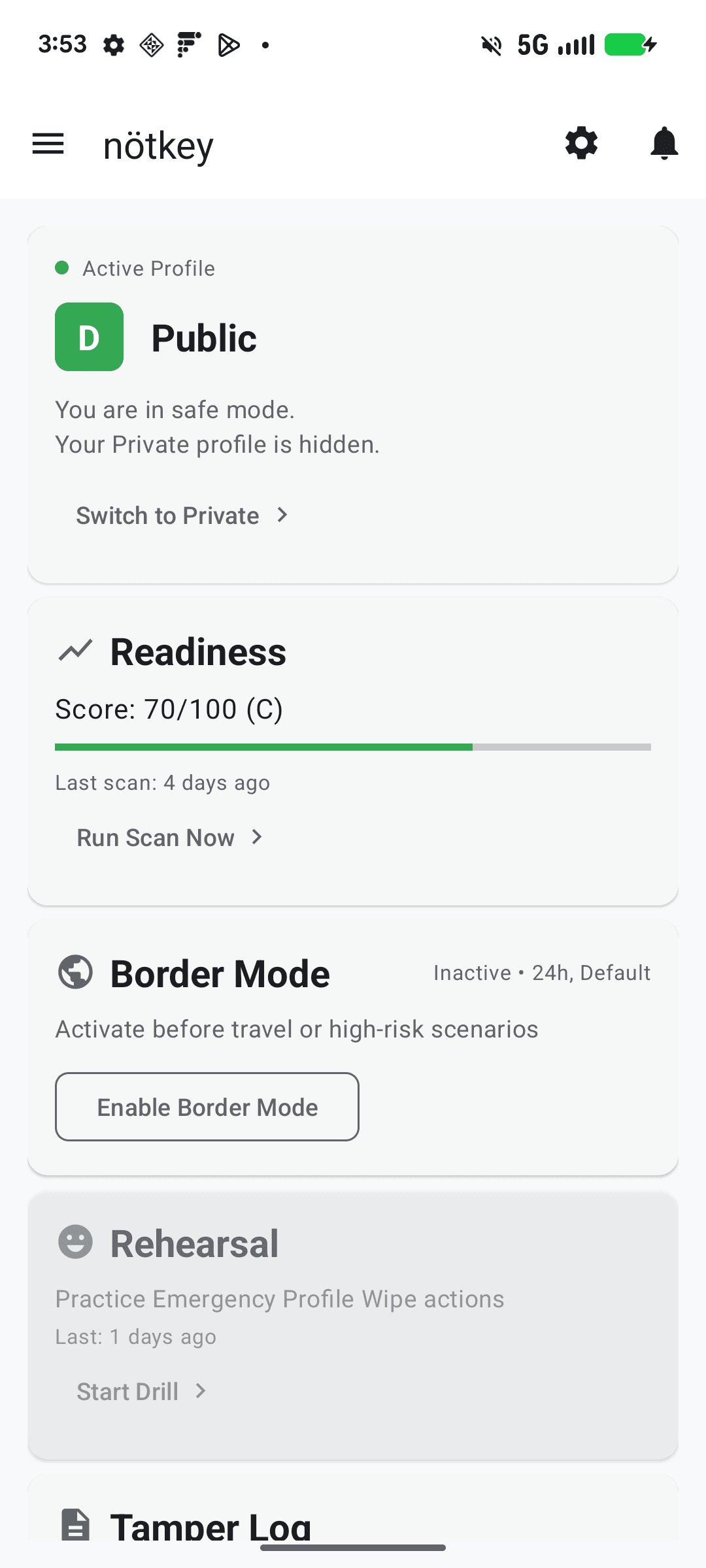
Nötkey helps you maintain a clear separation between your everyday device and your sensitive work or personal data. It creates two distinct environments on a single Android device:
- A Public Profile — the default, everyday environment. Install normal apps, manage routine communications, maintain a realistic ordinary phone experience suitable for presentation when your device needs to be shown.
- A Private Profile — a separate, isolated environment. Its apps, accounts, and data are not visible from the Public Profile. You switch into it when needed and return when finished.
Profile switching is manual. You initiate it through the Nötkey app. The device locks, and upon unlocking, you enter the selected environment.
Why setup requires Device Owner
Nötkey uses a standard Android management capability called Device Owner — the same system used by organizations to manage work phones. In Nötkey's case, this allows stronger and more reliable separation between profiles than is possible with ordinary Android app permissions alone.
On Android, Device Owner is a role that gives the managing app the ability to apply system-level restrictions and enforce protections more consistently than a normal app. Nötkey uses this to:
- Enforce certain restrictions more reliably than standard app permissions allow
- Reduce the risk of accidental Private Profile exposure
- Support a stricter Public Profile vs Private Profile posture
Device Owner is not spyware. It does not give Nötkey access to your passwords, photos, or private messages. It is a documented, official Android management capability.
The factory reset requirement
Android only allows Device Owner to be assigned during initial device setup. This is intentional — it prevents random apps from claiming system-level control after the fact.
This means: you must perform a factory reset before enabling full functionality.
A factory reset permanently erases all data on your device, including:
- All installed applications and their data
- All photos, videos, and files stored on the device
- All messages stored locally
- All accounts signed in on the device
Back up everything you want to keep before starting. This process is irreversible without another factory reset.
What provisioning means
Provisioning is the process of setting up Nötkey as Device Owner during Android's initial setup. Here's how it works:
Additional features
Triggers a full Private Profile erasure when you cannot safely maintain control of your device.
Applies temporary restrictions to reduce the risk of Private Profile exposure in higher-risk environments.
Allows the app icon to be hidden. Access is available via a hidden calculator icon.
Manual switch between Public and Private profiles. The device locks, and upon unlocking you enter the selected environment.
Available on Guardian tier and above.
Limitations
Nötkey reduces certain risks related to device inspection. It is not a complete privacy solution and does not guarantee protection in every situation.
Nötkey does not:
- Make device data unrecoverable by professional forensic tools or well-resourced actors with physical custody
- Protect you from legal compulsion to provide your PIN or passcode
- Erase or protect data already backed up to cloud services
- Hide the existence of the app from thorough examination
- Protect external accounts accessed outside the device
- Remove spyware or malware already present before provisioning
- Guarantee identical behavior across all Android models